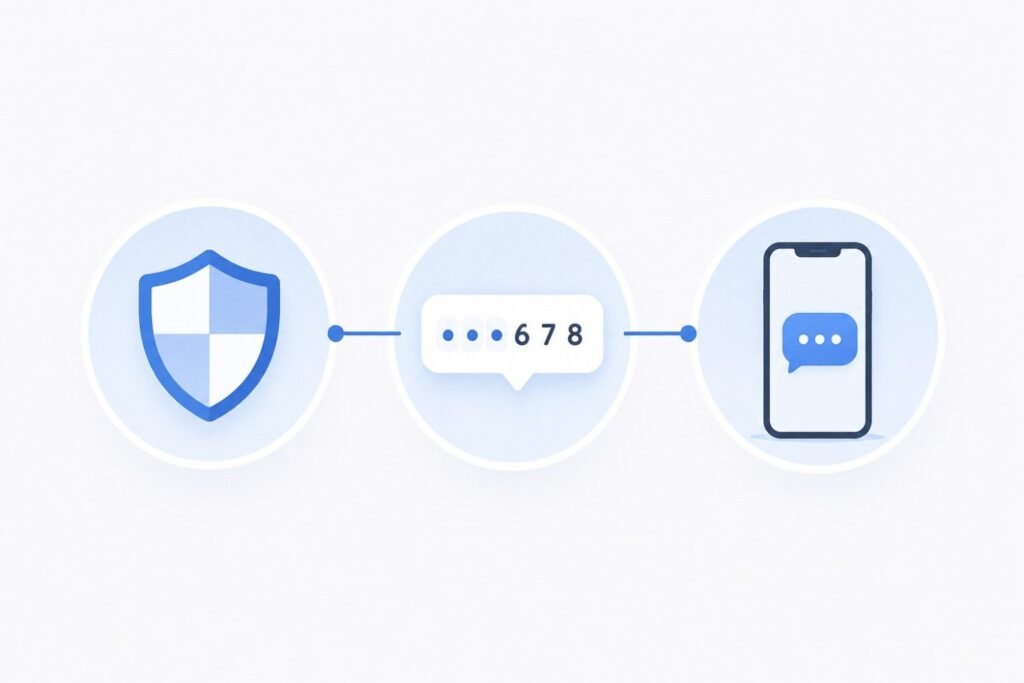
If you’ve signed up for an app, an online bank, or a social media account, you’ve likely run into SMS verification. A website sends a short code to your phone by text message. You type that code back into the site to prove the account is really yours.
It looks simple on the surface. But there’s a reason so many services rely on it, and a few things are worth understanding if you want to avoid getting stuck during signup.
Why Services Ask for SMS Verification
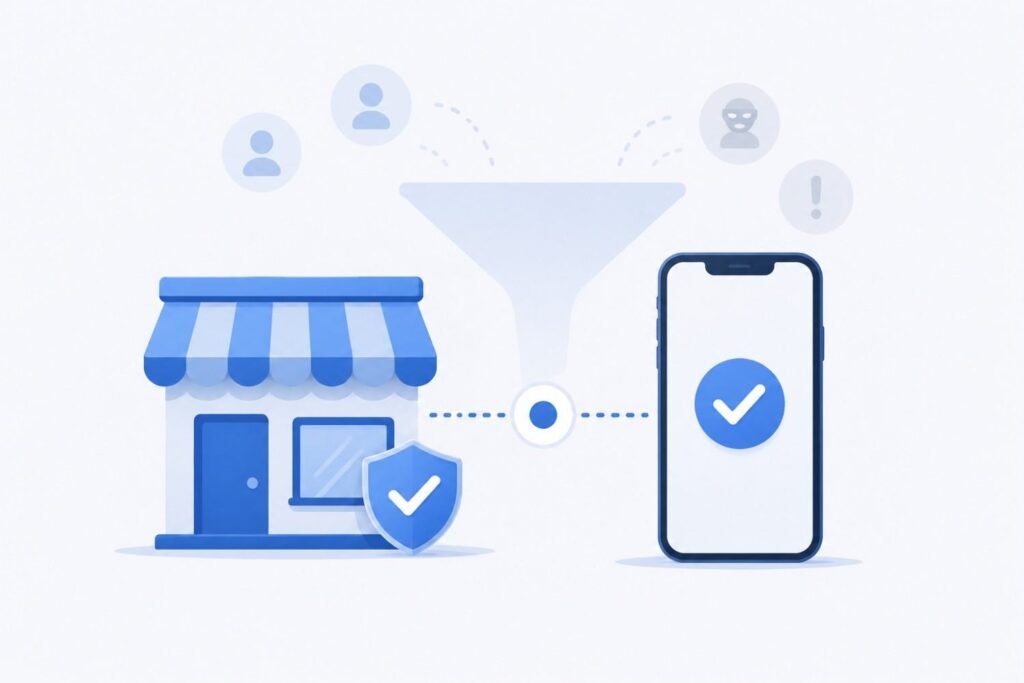
Most online platforms need a way to confirm that a new account belongs to a real person, not a bot or someone creating dozens of fake accounts. Email verification alone doesn’t solve this problem, since anyone can create free email addresses in bulk. A phone number is harder to mass-produce, so requiring one adds friction that cuts down on spam accounts, fraud, and automated abuse.
Services that handle sensitive information, like banking apps or healthcare portals, also use SMS verification as a basic security check. If someone tries to log in from an unfamiliar device, a text message code confirms that the person attempting access actually holds the phone linked to the account.
How the Process Actually Works
The mechanics stay consistent across most platforms, even when the interface looks different:
- You enter your phone number during signup or login.
- The platform generates a short numeric code, usually 4 to 8 digits.
- The system sends that code to your phone via SMS.
- You enter the code back into the website or app within a set time window, often 5 to 15 minutes.
- If the code matches and hasn’t expired, the platform approves your action.
Behind the scenes, the platform uses a one-time password (OTP) system. It generates a fresh code each time, ties that code to your specific request, and invalidates it once used or expired. A static password works differently. It stays the same until you change it.
What Happens If the Code Doesn’t Show Up
This is one of the most common frustrations with SMS verification. It rarely comes down to a single cause. A few frequent reasons include:
- Carrier delays. SMS messages sometimes route through multiple carrier networks before reaching your phone, especially for international numbers. This adds delay.
- Network or signal issues. No cell signal or airplane mode blocks incoming texts.
- Spam filtering. Some carriers or phone settings automatically filter messages from unfamiliar short codes.
- Number type restrictions. Certain services block VoIP numbers or numbers linked to mass signups, since fraud and spam accounts commonly use these.
- Rate limiting. If you request too many codes in a short period, some platforms pause sending new ones as a security measure.
If a code doesn’t arrive within a few minutes, request a new one rather than waiting indefinitely. The original code may have expired or failed silently. (We cover step-by-step fixes for this in our Troubleshooting section.)
SMS Verification vs. Other Verification Methods
SMS isn’t the only way platforms verify identity. Here’s where it fits:
- Email verification confirms an email address is real but doesn’t verify a real-world identity as strongly.
- Authenticator apps (like Google Authenticator or Authy) generate codes locally on your device without needing a text message. This avoids carrier-related delays entirely.
- Voice call verification reads the code aloud over a phone call instead of texting it. This helps when SMS delivery proves unreliable.
Many platforms offer more than one option as a backup, since no single method works flawlessly for every user in every situation.
A Note on Number Types
Not every phone number behaves the same way during verification. Some services specifically restrict or flag VoIP numbers, since these numbers are more commonly linked to temporary or disposable accounts. Non-VoIP numbers — tied to standard mobile or landline carrier infrastructure rather than internet-based calling apps — generally earn more trust from verification systems. This is part of why platforms with stricter anti-fraud rules commonly accept them for signups.
If you’re setting up multiple accounts or need a dedicated verification number separate from your personal line, this is one practical reason people turn to virtual number services like CodeBypass instead of using a primary personal phone number for every signup. If you’re unsure which number type fits your situation, check our FAQ page for common questions, or reach out directly.
The Bottom Line
SMS verification remains a widely used, generally reliable method for confirming that an account belongs to a real, unique user. It’s not perfect — delays and delivery issues do happen — but understanding how it works makes troubleshooting far easier when something goes wrong. It also helps you make informed choices about which number to use for which account.
For more guides like this, visit our blog homepage.
Frequently Asked Questions
Is SMS verification the same as two-factor authentication (2FA)?
Not exactly. SMS verification confirms a phone number during signup or login. 2FA is a broader security concept: it requires a second proof of identity (an SMS code, an authenticator app, or a physical key) in addition to a password. SMS verification is one common way to implement 2FA, but not the only one.
Why do some websites reject certain phone numbers during SMS verification?
Many platforms run anti-fraud systems that flag or block VoIP numbers, since mass account creation commonly uses these. Non-VoIP numbers generally get accepted more consistently, though acceptance still varies by platform.
How long is an SMS verification code usually valid?
Most codes expire within 5 to 15 minutes, though this varies by platform. If a code expires before you enter it, request a new one rather than reusing the old code.
Can I use the same phone number for SMS verification on multiple platforms?
Yes, in most cases. You can generally use a single number to verify multiple accounts across different platforms, unless a specific platform restricts numbers previously used for other verifications.