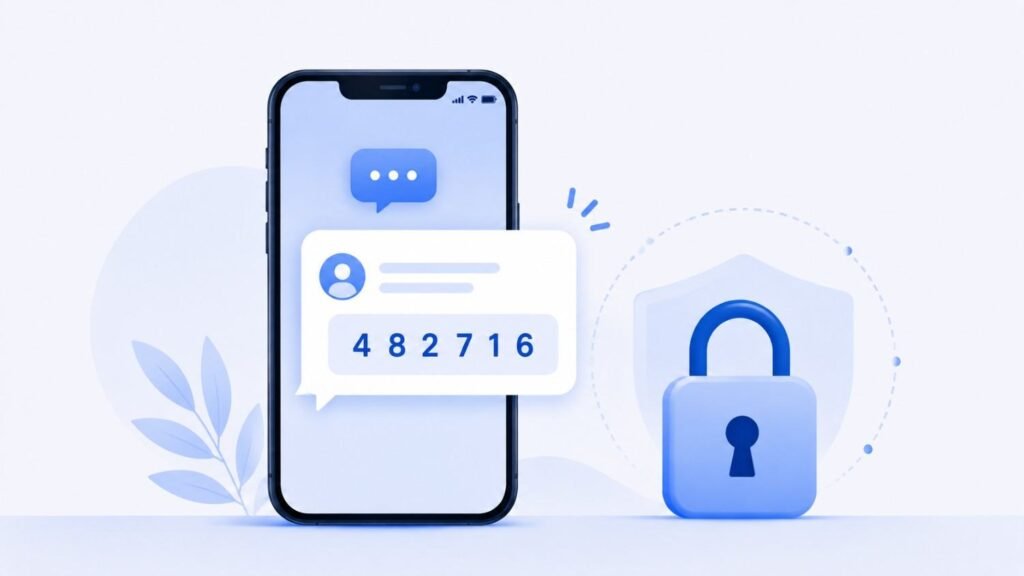
If you’ve read much about account security, you’ve probably seen “SMS verification,” “OTP,” and “2FA” used interchangeably, sometimes in the same sentence. They’re related, but they aren’t quite the same thing. Understanding how they fit together makes security instructions and login troubleshooting much easier to follow.
Two-Factor Authentication (2FA): The Big-Picture Concept
2FA describes a security principle, not a specific technology. It means requiring two different types of proof before granting access to an account: typically something you know (a password) and something you have (a phone, an app, or a physical key). The goal: even if someone steals your password, they still can’t get in without the second factor. CISA’s guidance on multi-factor authentication explains why combining two proof types significantly reduces account takeover risk compared to a password alone.
2FA works as the umbrella term. SMS verification and OTPs count as two of the tools used to implement it.
One-Time Password (OTP): The Mechanism
An OTP is a short code, usually numeric, generated for a single use and valid for a limited time. It earns the name “one-time” because it becomes invalid after you use it or after it expires, unlike a regular password that stays the same until you change it.
OTPs reach you through different delivery methods:
- Text message (this is SMS verification specifically)
- Authenticator apps that generate codes locally (like Google Authenticator)
- Automated voice calls
So an OTP refers to the code itself, and SMS names just one delivery method for that code.
SMS Verification: One Specific Delivery Method
SMS verification refers specifically to receiving that one-time code via text message. It stays popular because nearly everyone owns a phone capable of receiving texts, and it doesn’t require installing an additional app. But as we covered in our post on whether SMS verification is safe, it does carry some security trade-offs compared to app-based OTPs.
Putting It Together
Here’s how the three terms relate in practice:
| Term | What It Is |
| 2FA | The security concept: two proofs of identity instead of one |
| OTP | The code itself: a temporary, single-use password |
| SMS verification | One method of delivering that OTP, via text message |
So when a website says “we’ve enabled 2FA using SMS verification,” it means this: the service requires a second proof of identity (2FA), and that proof arrives as a one-time code (OTP) sent to your phone by text (SMS).
Why This Distinction Actually Matters
Understanding the layers helps in a few practical ways:
- If a service offers a choice between “SMS” and “authenticator app” for 2FA, you now know both count as OTP delivery methods, just with different security trade-offs.
- If you’re troubleshooting a login issue, knowing whether the problem lies with the 2FA requirement itself, the OTP generation, or just SMS delivery narrows down where to look.
- If you’re comparing services, some describe their security as “OTP-based” without specifying SMS. This usually means they support app-based codes too, worth checking if you have a preference.
The Bottom Line
2FA sets the strategy, OTP provides the code, and SMS delivers it. People use these terms interchangeably in casual conversation, but knowing the actual relationship between them makes security settings, app instructions, and troubleshooting guides much easier to follow. For more foundational guides like this, visit our blog or check our FAQ for common account verification questions.
Frequently Asked Questions
Is 2FA the same as SMS verification?
No. 2FA describes the broader security concept of requiring two proofs of identity. SMS verification names just one way of delivering the second proof — a one-time code sent by text message.
Can I have 2FA without using SMS at all?
Yes. Many services let you use an authenticator app, a hardware security key, or email-based codes instead of SMS to fulfill the 2FA requirement.
Why do some services call it “OTP” and others call it “SMS verification”?
They often describe the same process from different angles. “OTP” refers to the code itself, while “SMS verification” refers to how that code arrives. Some services simply favor one term over the other in their interface.
Is app-based OTP better than SMS-based OTP?
Generally, yes, from a security standpoint, since app-based codes skip the cellular network and avoid risks like SIM swapping. SMS still remains more widely supported and doesn’t require installing anything.